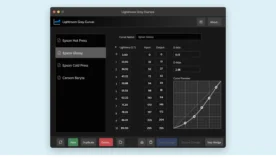
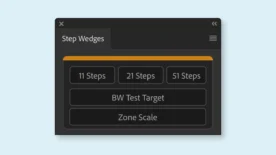
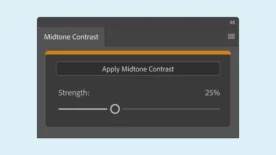
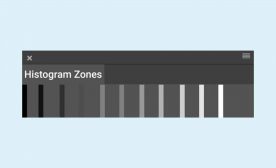
Black and White Photography Tools & Resources
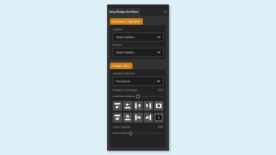
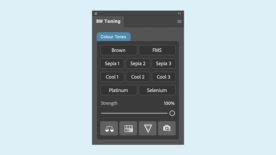
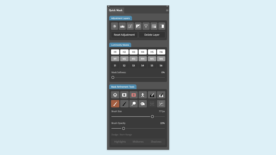
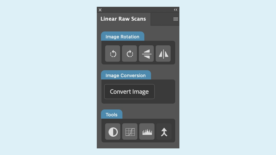
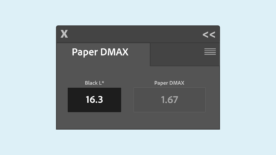
Black and white photography is built on light, contrast, and tonal relationships. The tools you use in Photoshop directly affect how precisely you can shape those tones. This collection of black and white photography tools is designed specifically for photographers who want deeper control over contrast, dynamic range, and the expressive power of monochrome images.
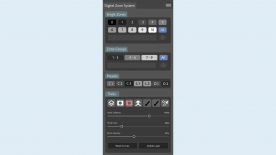
Whether you are working with the Zone System, refining midtone transitions, or carefully managing highlight and shadow separation, these tools are built to support a disciplined black and white workflow inside Adobe Photoshop.
Designed for a True Digital Darkroom Workflow
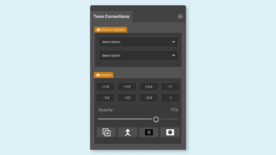
Traditional darkroom techniques such as dodging, burning, and tonal mapping remain essential in digital editing. Our Photoshop plugins and panels are developed around those same principles — giving you structured control instead of guesswork adjustments.
From Zone System-based tonal control tools to precision adjustment panels, each resource is created to help you:
- Visualize tonal values clearly
- Make targeted contrast adjustments
- Preserve highlight and shadow detail
- Maintain natural gradation across the tonal scale
- Work faster without sacrificing precision
Built for Black & White Photographers Using Photoshop
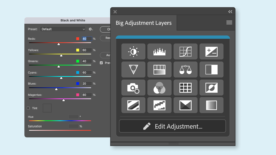
Most of my tools in this store are designed specifically for Adobe Photoshop users working in black and white. Whether you are converting color images to monochrome or refining native black and white captures, these tools integrate directly into a professional editing workflow.
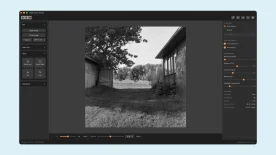
If you are exploring the Zone System in digital photography, the Zone System Photoshop plugin provides structured tonal control directly inside Photoshop.