DBW Linear Scans
Convert black and white film negatives from linear scans
DBW Linear Scans gives you a more practical way to convert negatives, starting with a cleaner, more balanced image
Built For Black & White Film
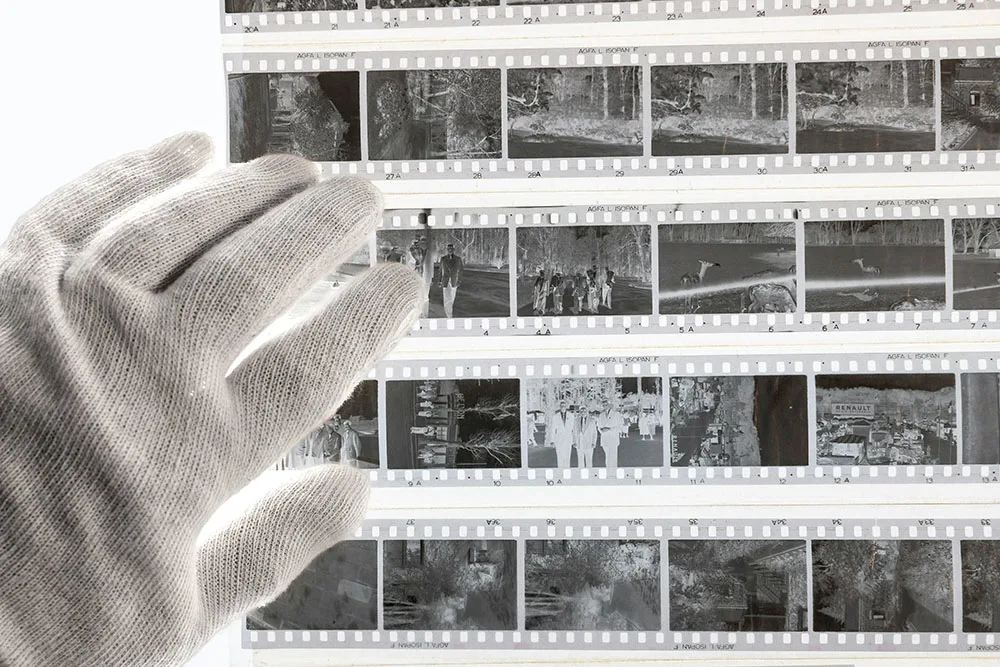
Black and white negatives need careful conversion. A simple invert can give you a positive image, but it often leaves you with a flat, heavy or awkward starting point.
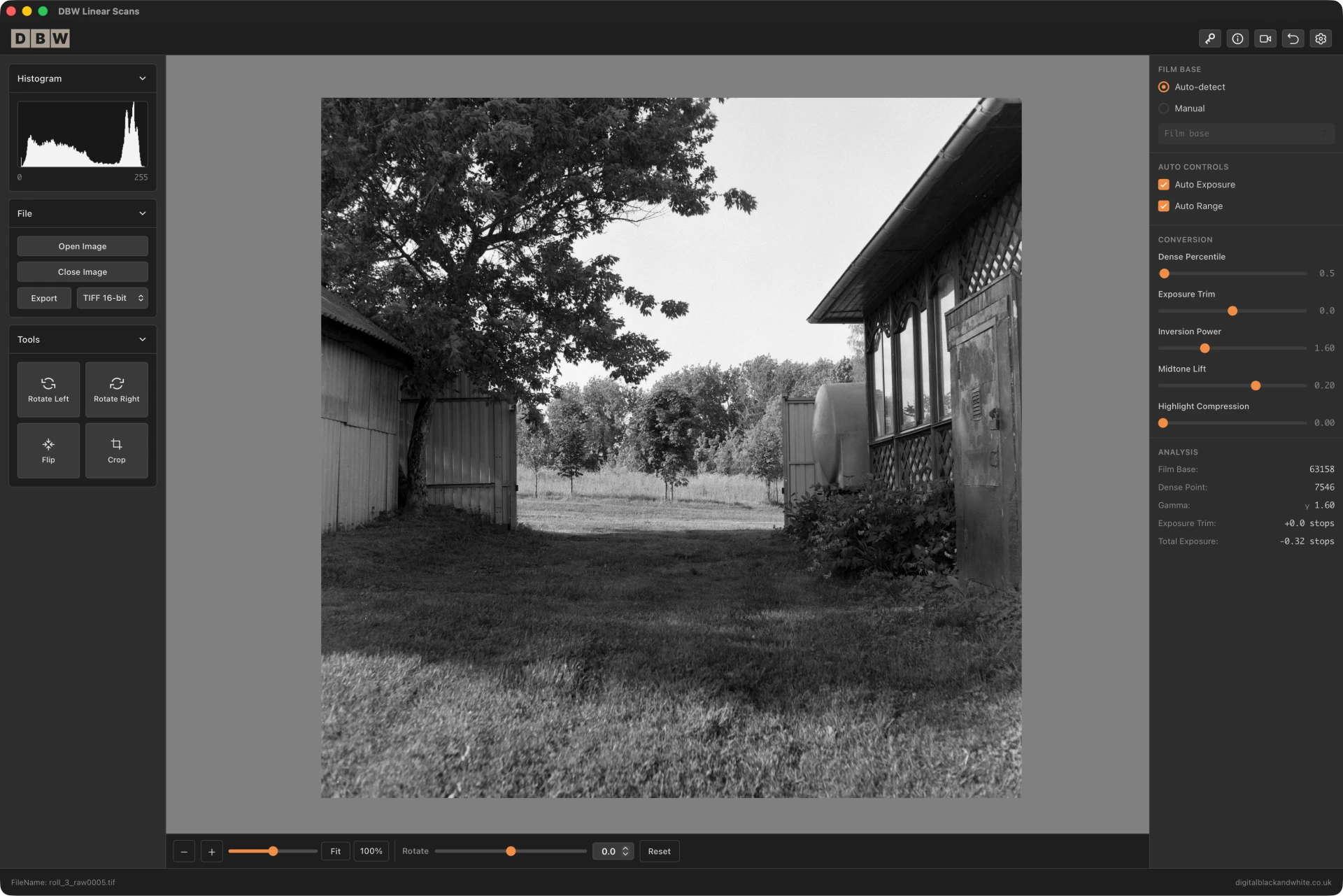
DBW Linear Scans is designed specifically for photographers working with linear scans. Rather than treating the file like an ordinary image, it gives you a focused workflow for turning a scanned negative into a usable black and white positive.
Download Latest Version of DBW Linear Scans
Note: Apple Mac Requires macOS 11 (Big Sur) or later.
Beyond Basic Invert
DBW Linear Scans gives you a more practical way to convert negatives, starting with a cleaner, more balanced image and giving you focused controls to refine the result, instead of leaving you to fix the problems created by a basic invert.
More Than Simply Invert
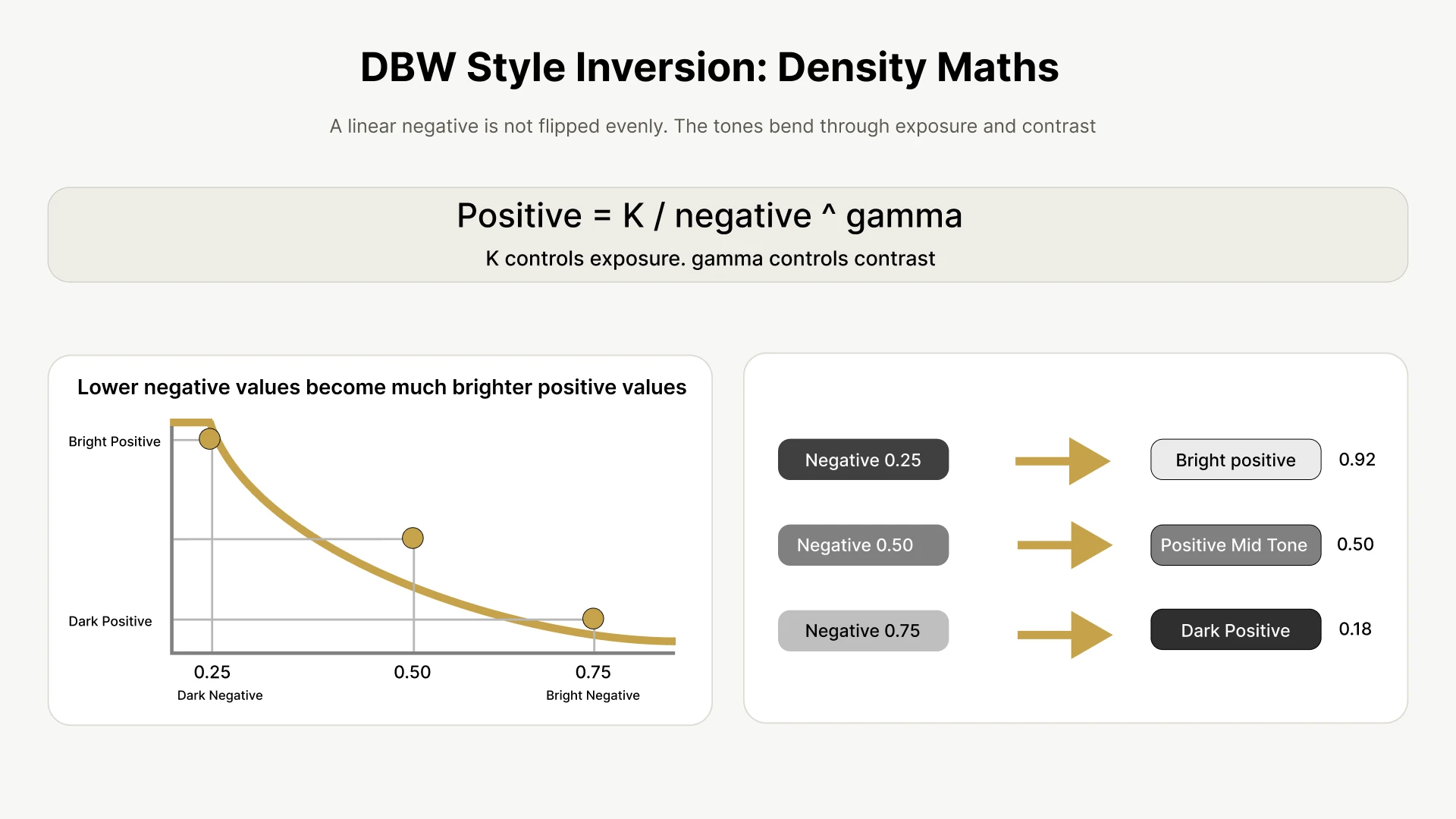
Many programs including Photoshop do a straight invert which simply flips dark values to light and light values to dark. That can work as a rough preview, but it does not always give the best black and white conversion.
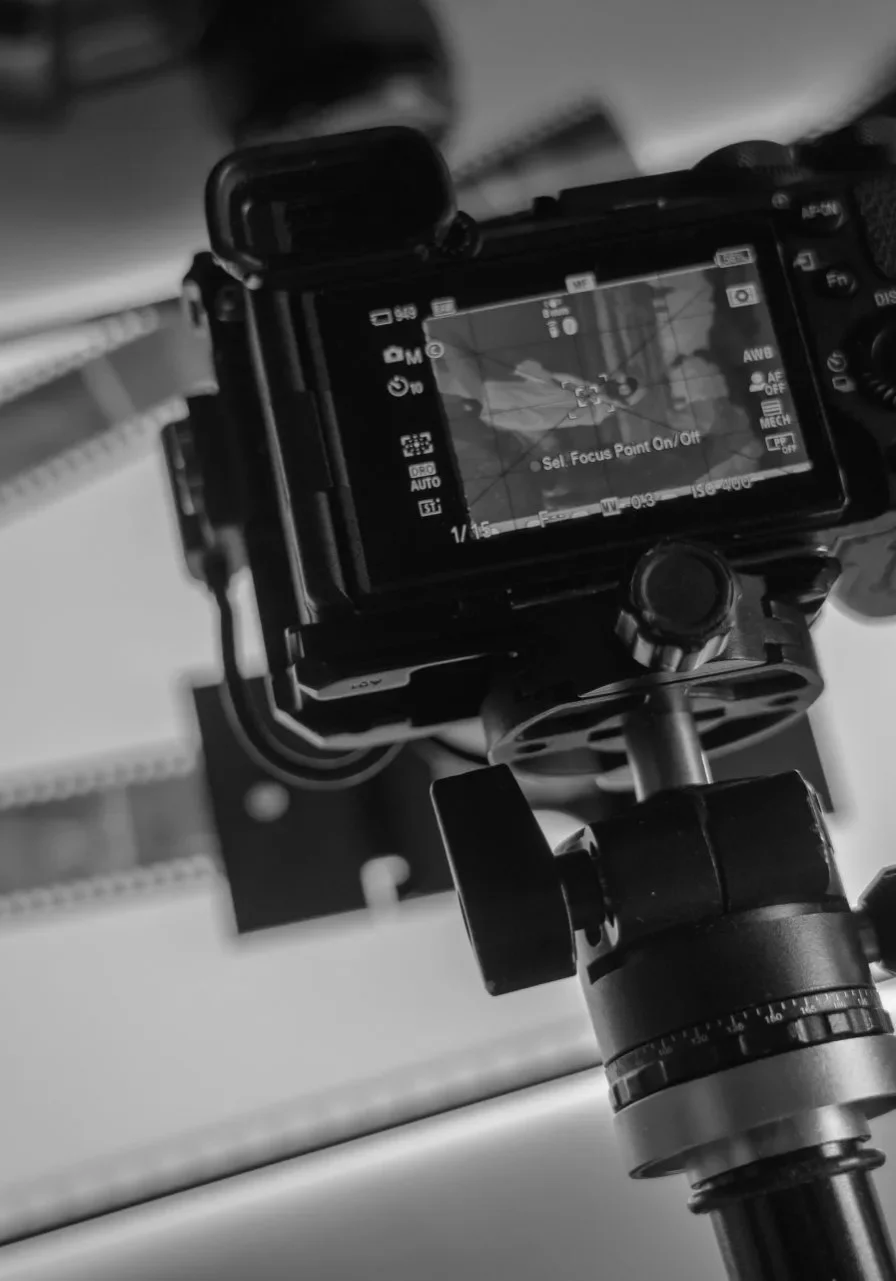
DSLR Scans Supported
Bring in DSLR scanned RAW files and DBW Linear Scans will handle the conversion, giving you dedicated controls to refine the result without relying on a basic invert.
.dng, .nef, .nrw, .cr2, .cr3, .crw, .arw, .srf, .sr2, .rw2, .rwl, .raf, .orf, .pef, .3fr, .fff, .iiq, .mos, .mef, .mrw, .erf, .srw, .x3f, .kdc, .dcr
DBW Linear Scans also supports Noritsu .RAW files, giving you a cleaner, more direct starting point without relying on additional software just to make the files readable.
A Simple Workflow From Scan To Positive Image

Create your linear scan
Scan your black and white negative with no automatic correction applied

Adjust Tonal Balance
Use the available controls in the app to refine the, midtones, shadows and highlights

Export The Image
Export your converted positive image for further editing. Your original scan is not changed.
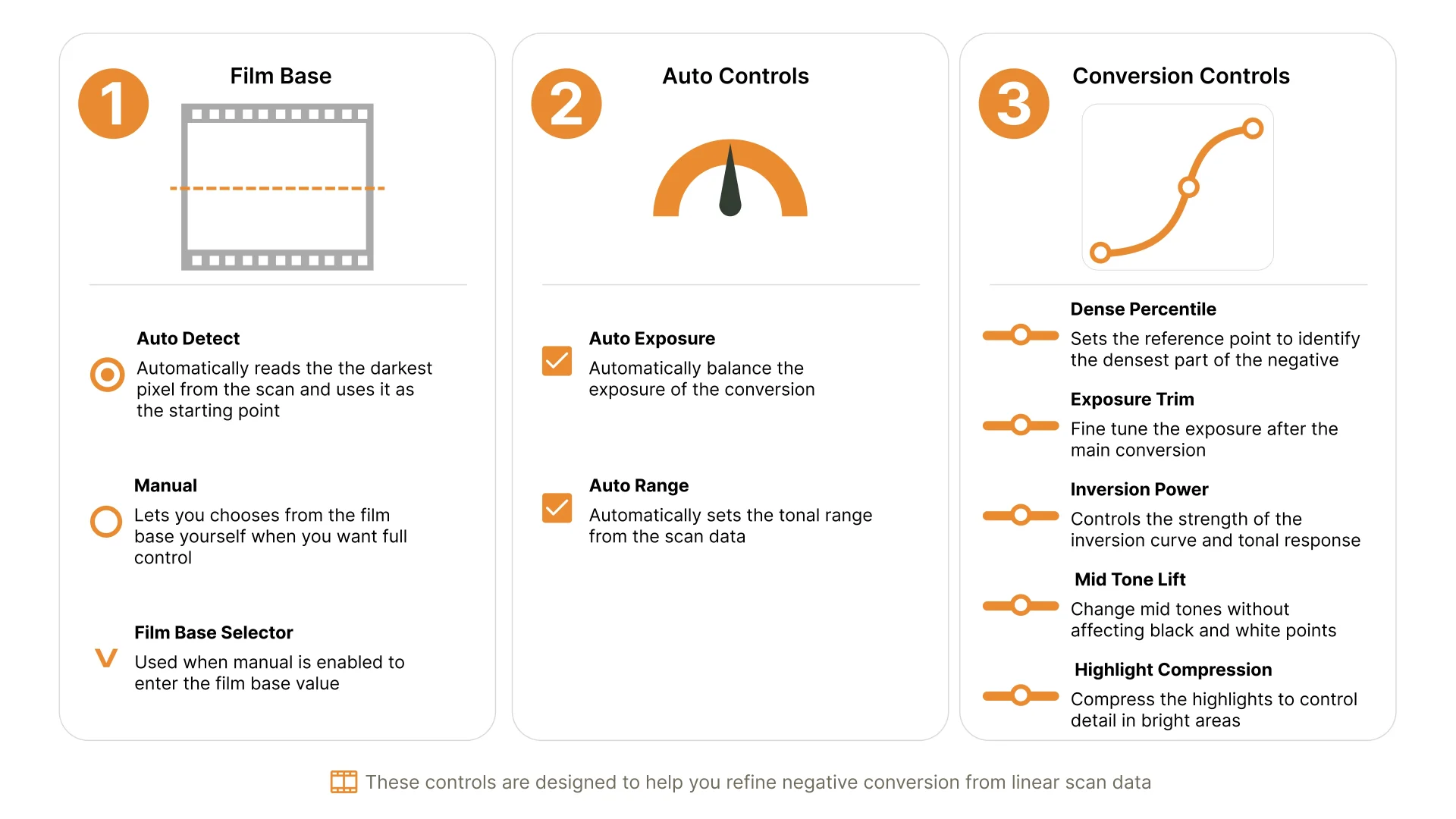
DBW Linear Scans Controls
DBW Linear Scans includes simple, focused controls designed specifically for black and white linear scans.
Instead of relying on a basic invert, the software gives you a cleaner and more natural positive image from your negative scan.
Free Trial Available
The trial version is a working copy of the app, so you can test the conversion workflow with your own scans.
Exported images include a watermark until a licence key is activated.
Download Latest Version of DBW Linear Scans
Note: Apple Mac Requires macOS 11 (Big Sur) or later.
Frequently Asked Questions
DBW Linear Scans
This is for the activation key. Make sure you have already installed the Trial version.
- one time license purchase
- Windows and macOS
- Free app updates
- free app support
Download Latest Version
Use your own negative scans
Explore the complete workflow
Available for Windows and Mac
No payment details required
Download Latest Version of DBW Linear Scans
Note: Apple Mac Requires macOS 11 (Big Sur) or later.