Check Your Light
Before You Scan Your Film
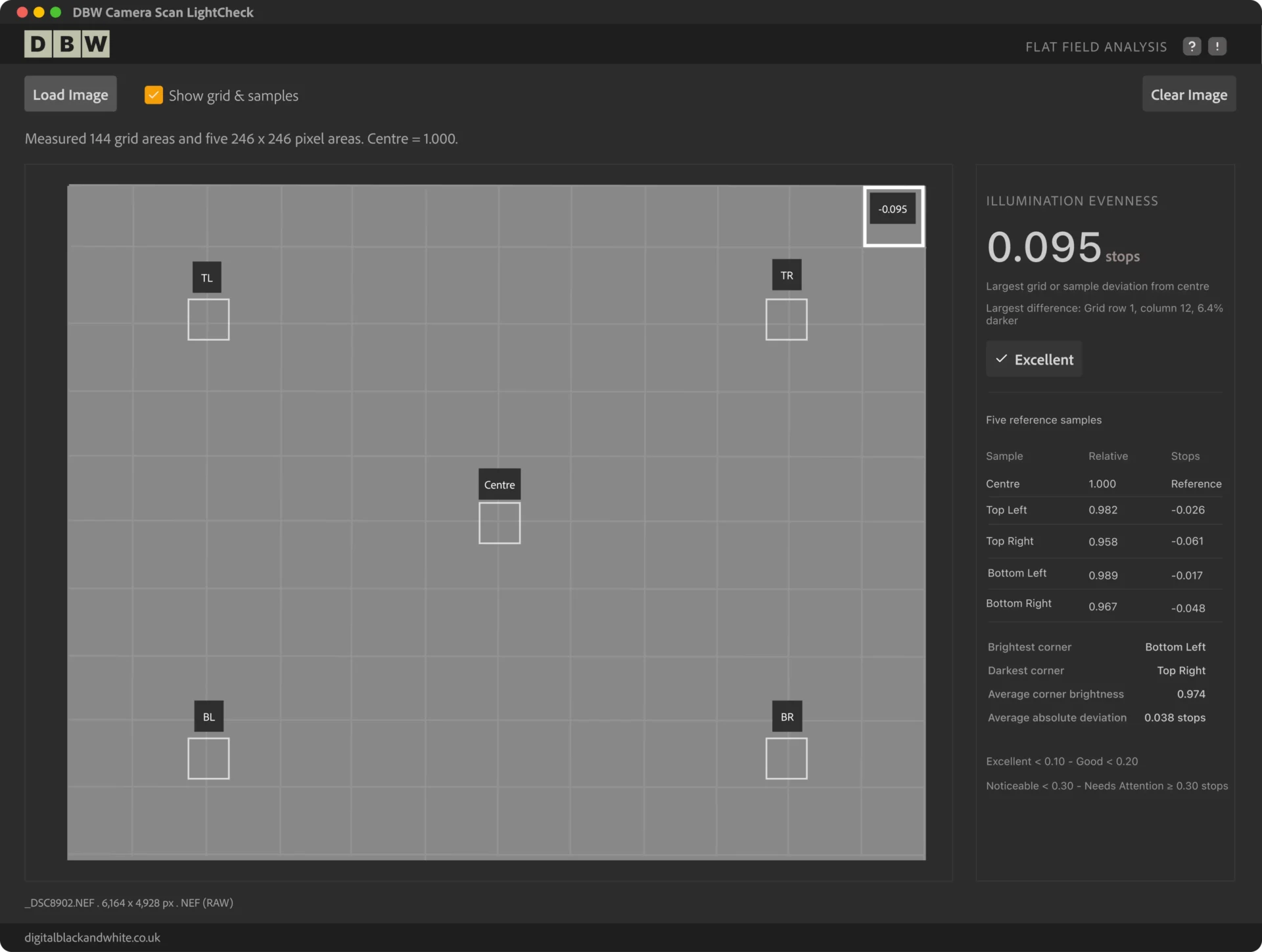
DBW Camera Scan LightCheck analyses a camera
RAW file to measure illumination evenness across your scanning setup, helping you identify uneven lighting before you start digitising your negatives.
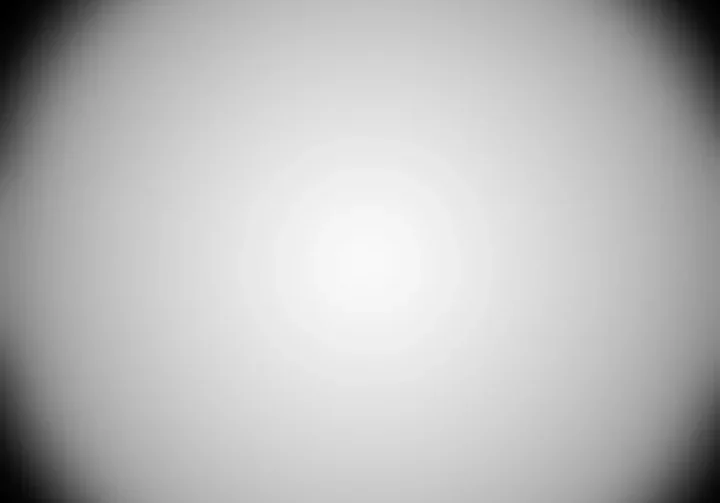
A light panel might look even,
but your camera can see the difference
Uneven illumination can affect the quality of your black and white film scans, leaving one area of a negative brighter or darker than another. Even a good quality light source may not produce perfectly even illumination, and lens vignetting or other optical factors can also influence the result.
A SIMPLE WAY TO CHECK YOUR SCANNING SETUP
Measure Your Light Source in Three Simple Steps
DBW Camera Scan LightChecker
How even is your camera scanning light source?
Watch this short demonstration to see how DBW Camera Scan LightCheck analyses an original camera RAW file, measures illumination shows areas where brightness varies.
No complicated calculations. No additional software. Just clear, measurable results.
DBW Camera Scan LightCheck
DBW LightCheck is useful when setting up a new system, comparing different light panels, investigating brightness variation or making adjustments to your camera, lens or scanning distance.
Works with Your Camera RAW Files
DBW LightCheck supports a range of camera RAW formats, including DNG, NEF, CR2, CR3, ARW, RAF, RW2 and ORF.
Compatibility depends on the camera model and RAW compression format. JPEG, TIFF and PNG files are not accepted.