
A Simple Black and White Photo Editor Without the Clutter
If you only shoot, scan or convert to monochrome, a full colour editing suite is mostly in your way. You pay a monthly fee for hundreds of tools you never touch, and black and white feels like a setting rather than the point.
DBW Monochrome is a simple black and white photo editor made for one job. It works natively with 16-bit greyscale images, uses the tools darkroom printers already know, and costs a single payment with zero subscription.
Why choose a simple black and white photo editor?
- Less to learn. The tools are the ones that matter for monochrome
- Less to pay. One purchase, with no subscription.
- Better results. A focused editor helps you concentrate on light, tone and the print, not on menus.
- Nothing lost. Simple shouldn’t mean destructive, and here your original is never touched.
Simple to use, with real power underneath
Every adjustment in DBW Monochrome is its own layer, with a mask, opacity and blend mode. You can switch a change off, soften it or repaint where it applies, at any time. There are ten adjustment layers:
- Exposure
- Brightness/Contrast
- Levels
- Curves
- Zones
- Paper Grade
- Graduated Dodge & Burn
- Toning (including split toning)
- Sharpen
- Vignette
That is a short list, and it covers the whole path from a flat scan to a finished print.
The tools, in plain terms
Curves with 21 points
Shape individual tonal ranges precisely. Useful if you work with a step wedge.
Zones
Based on the zone system, so you can think in zones of tone, not abstract sliders.
Paper Grade
Darkroom-style contrast control. If you know what grade 2 or grade 4 paper does, you already know how this works.
Graduated Dodge & Burn
One click dodges or burns the top, bottom, left or right of the image, covering a third, a half or two-thirds of the frame. If you know the Pixel Genius PhotoKit workflow, it will feel familiar.
Toning and split toning
Add warmth or coolness, or give highlights and shadows different tones.
Everything else you need
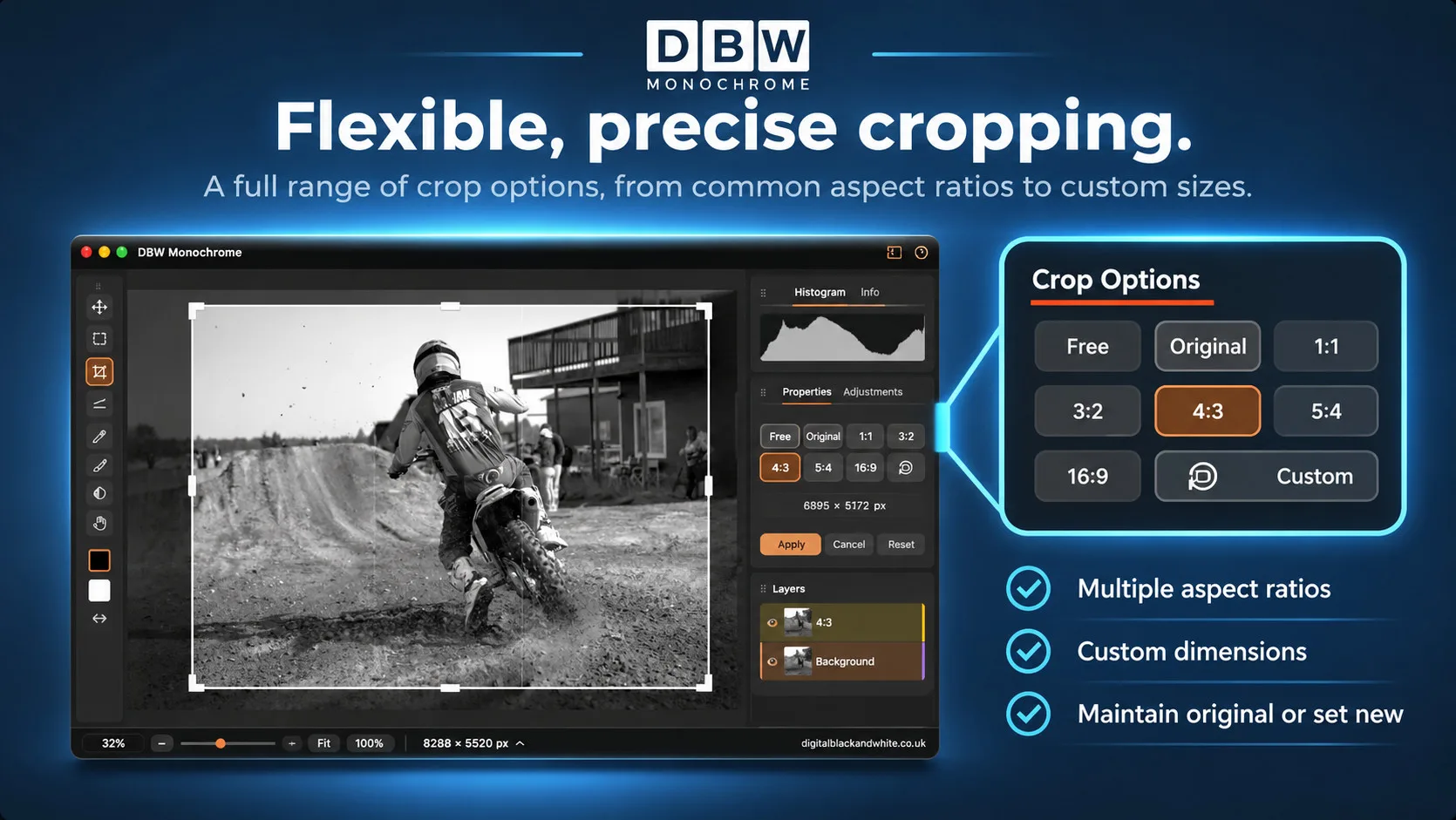
Spot repair, selections, cropping and straightening are all included. Save your work as a project file, then export or print.
An easy black and white photo editor you only pay for once
DBW Monochrome is a one-time purchase, with free updates and free support. There is no subscription, because I believe you should own your software, not rent it.
Is it the right simple black and white photo editor for you?
It suits you if you:
- shoot or scan in greyscale, or convert early
- care about tone and print quality
- want a focused tool, not a colour suite
- prefer to pay once
If you need colour grading, colour retouching or a photo library manager, a general-purpose editor will serve you better.
Try the simple black and white photo editor free
Download the trial for Mac (.dmg) or Windows (x64 .zip), install it, and enter your activation key when you want the full version. The online user guide will get you started.
Download the Latest DBW Monochrome Trial
A purchased licence is required to activate the full version.