
DBW Monochrome
Photo Editor Designed For
Black and White Enthusiasts
The controls you need and nothing you don't.
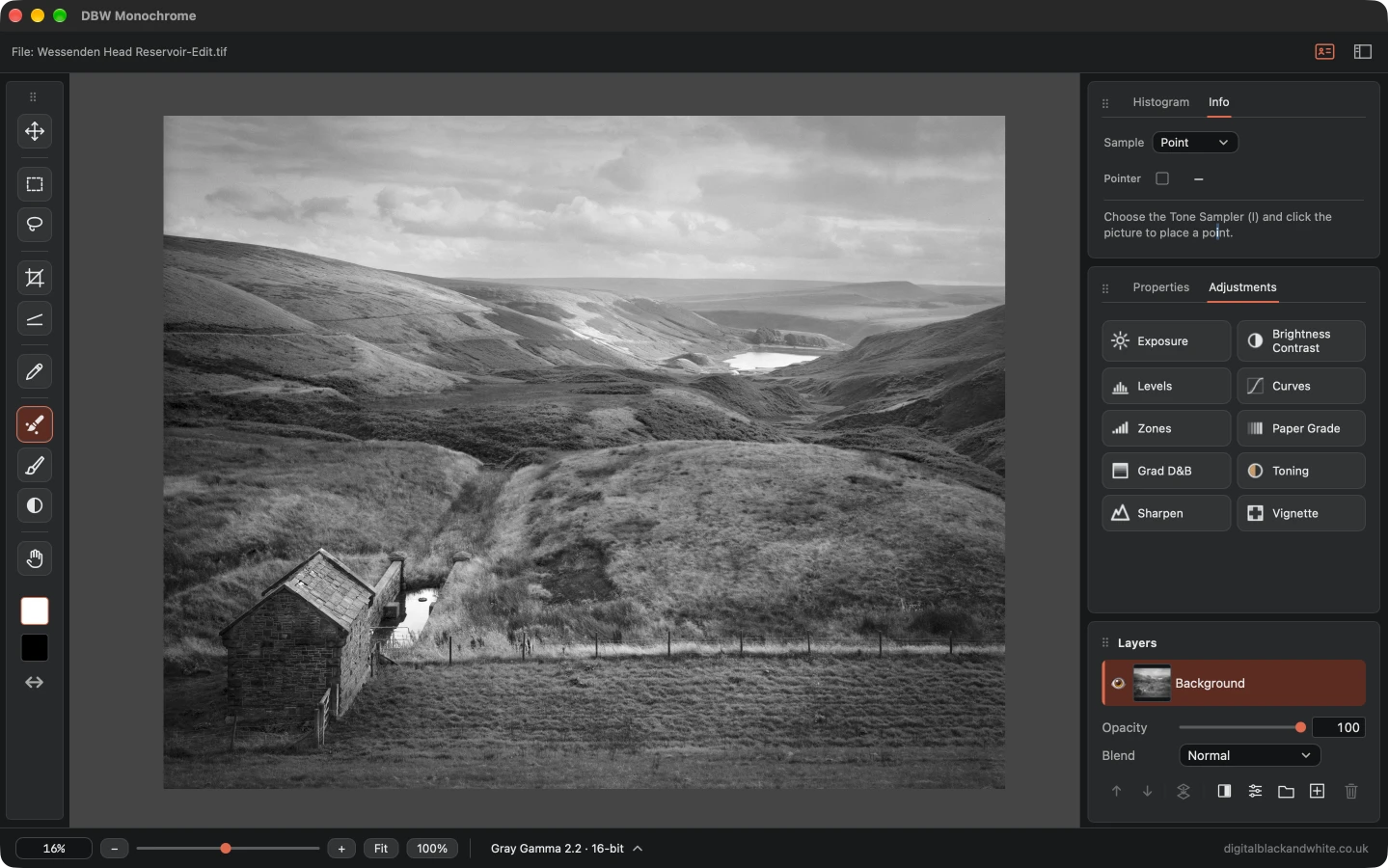
Easy to use Black and white photo editing desktop software
DBW Monochrome is a dedicated black and white photo editor for Windows and Mac, built for 16 bit greyscale images.
If you work in monochrome, it gives you the tools to finish them in one place.
Made for monochrome, not adapted for it
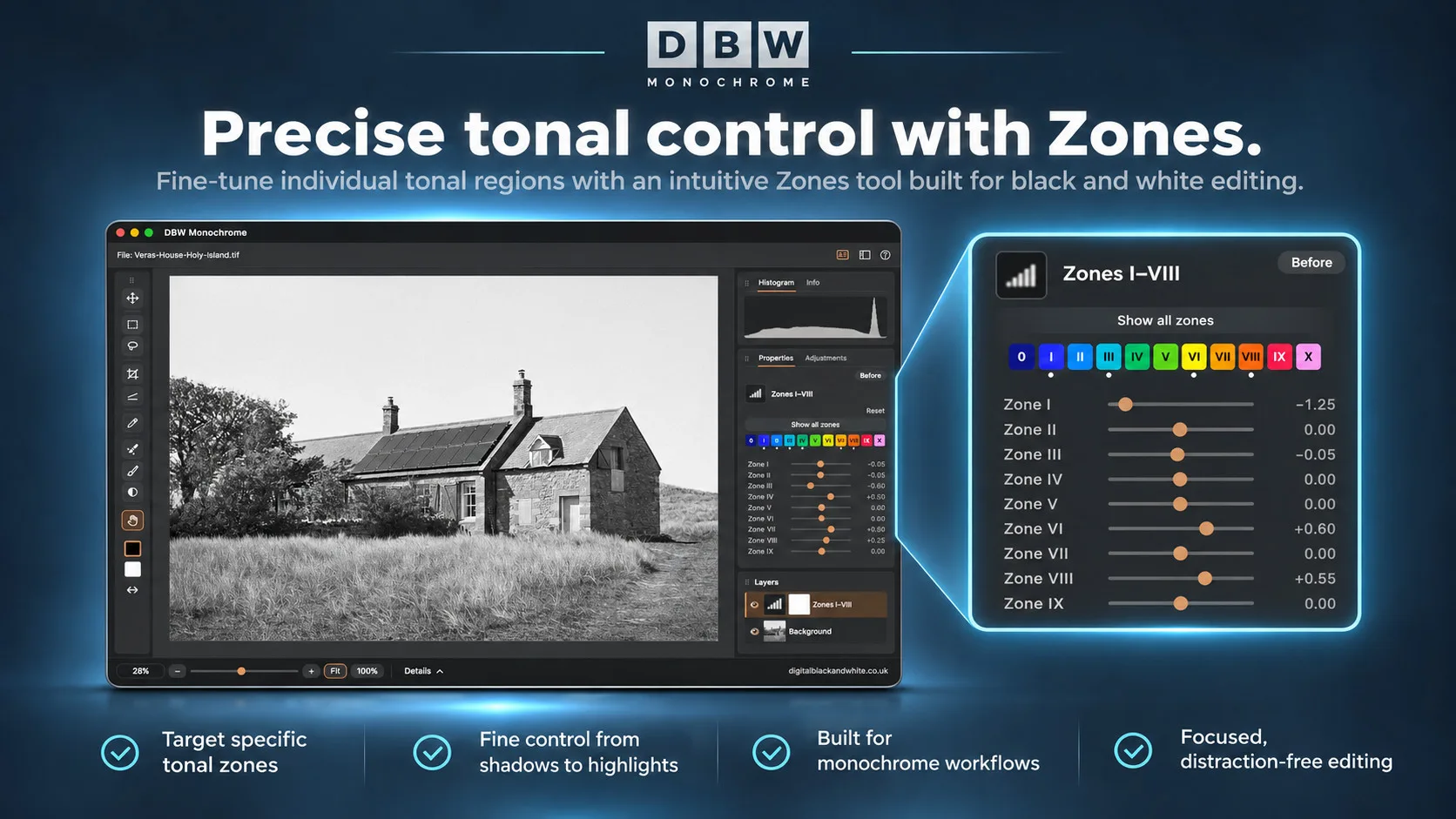
Most photo editors treat black and white as an afterthought. DBW Monochrome works in greyscale from the start, so every control is designed for tone. You get Curves and Levels, a Zones adjustment based on the zone system, and Paper Grade for darkroom style contrast. Graduated dodge and burn, Vignette, Toning with split toning, and Sharpen finish the picture.
Non-destructive editing in 16-bit
Every adjustment is a layer with its own mask, opacity and blend mode, so your original file stays untouched. Dodge and burn, spot repair, selections, cropping and straightening are all built in. Save your work as a project file, then export or print when you’re done.
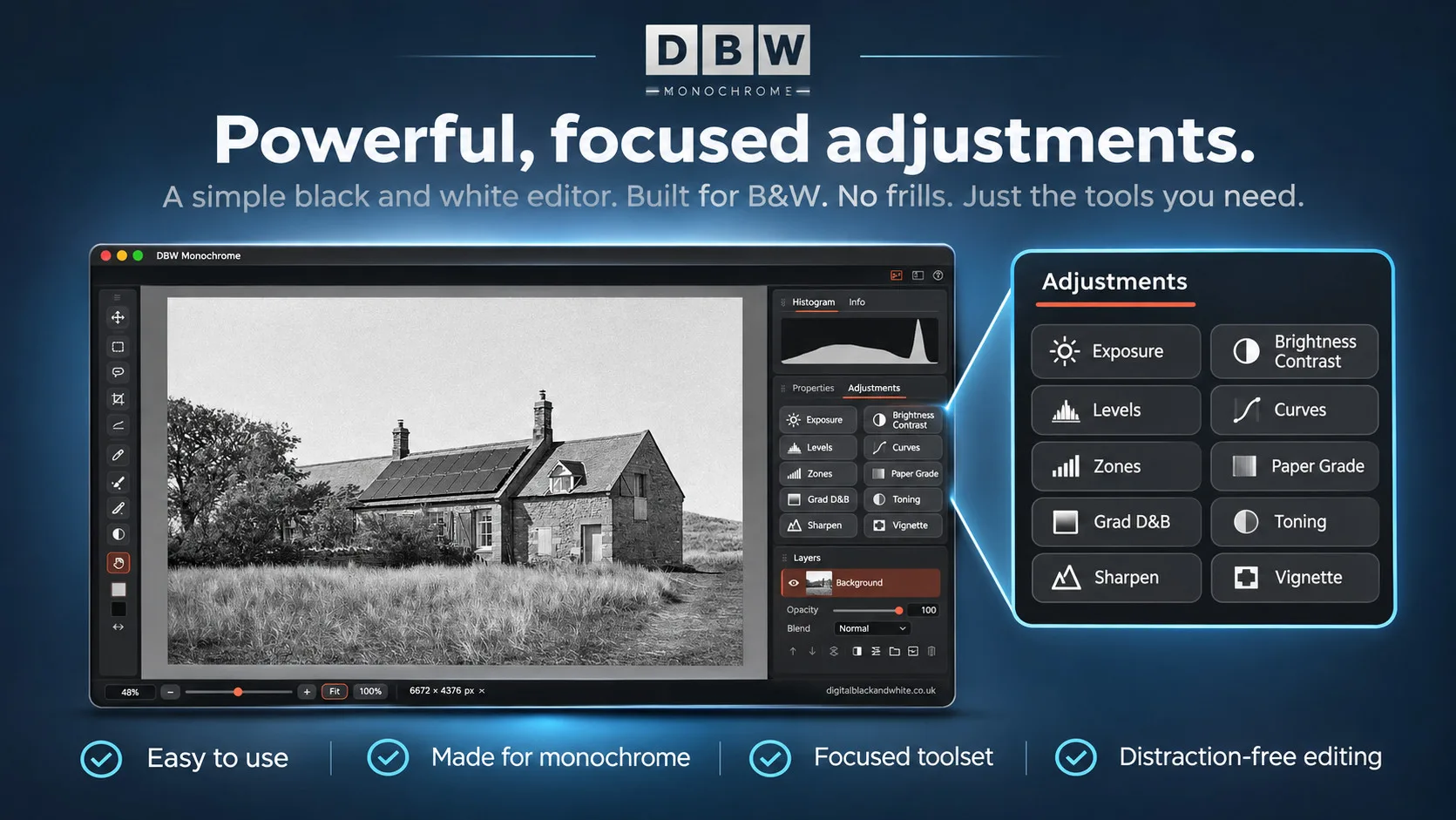
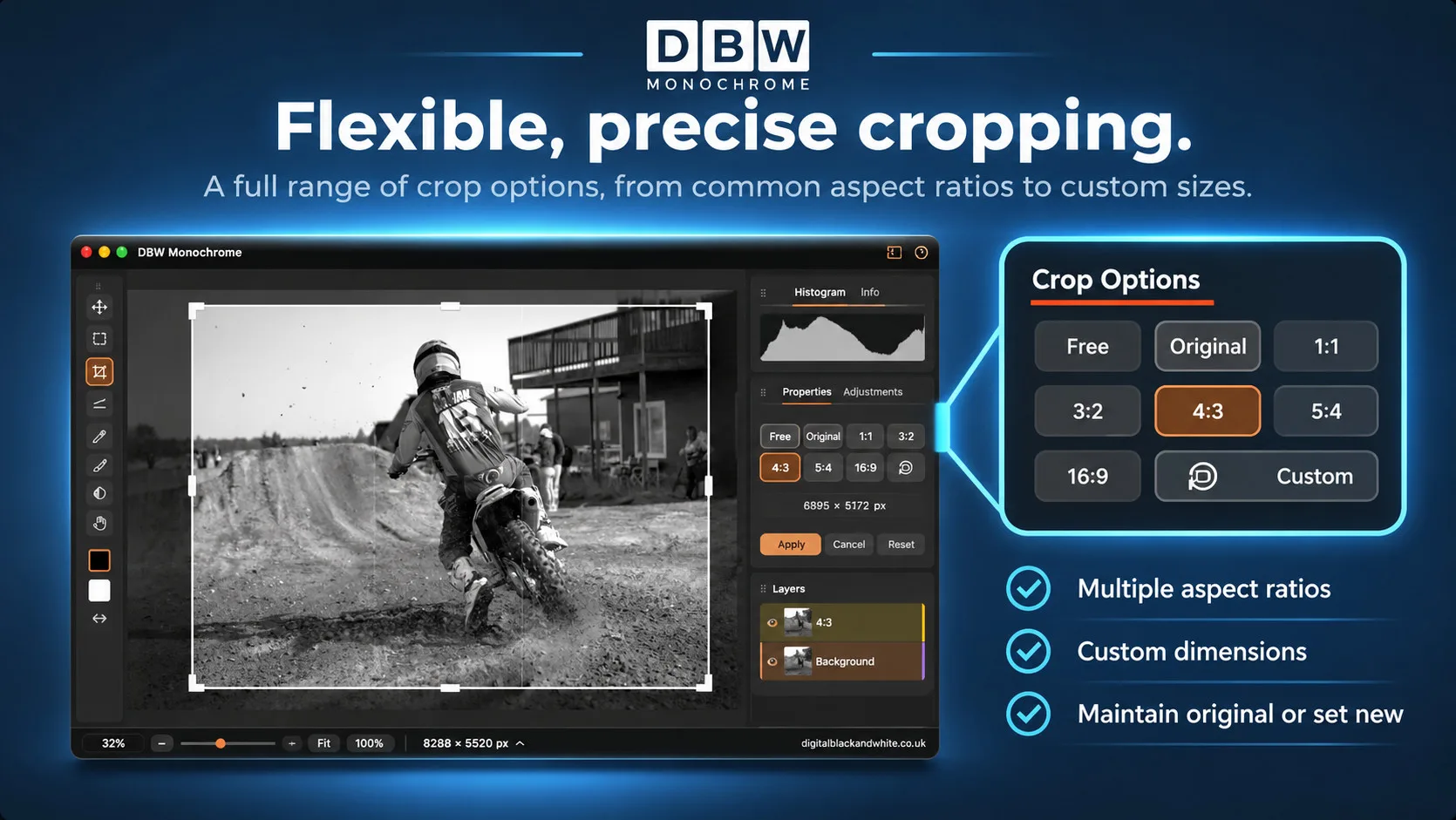
- DBW Monochrome puts the tools you need for black and white work in one place, without clutter.
- Open your photograph, make your adjustments, and export or print.
- Built to be easy to learn and quick to use, so you spend your time on the picture rather than the software.
Adjustment Layers
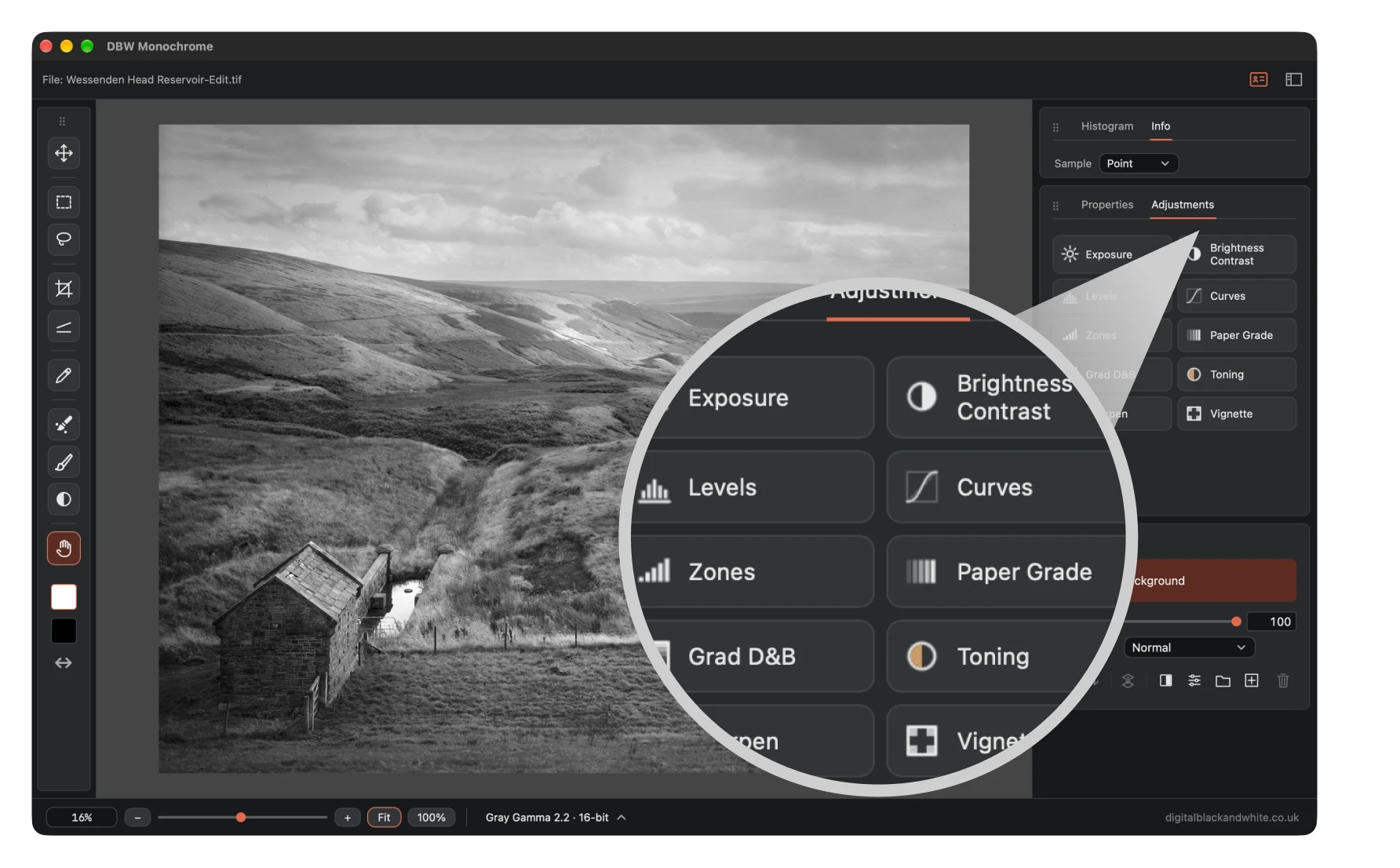
Every edit in DBW Monochrome lives on its own adjustment layer, so your original scan is never touched. Ten adjustments cover the whole black and white workflow:
Exposure, Brightness/Contrast, Levels, Curves, Zones, Paper Grade,
Graduated Dodge & Burn, Toning, Sharpen and Vignette.
Use graduated dodge and burn to hold back a sky, and add a vignette to draw the eye in. Or warm a print with toning, including split toning.
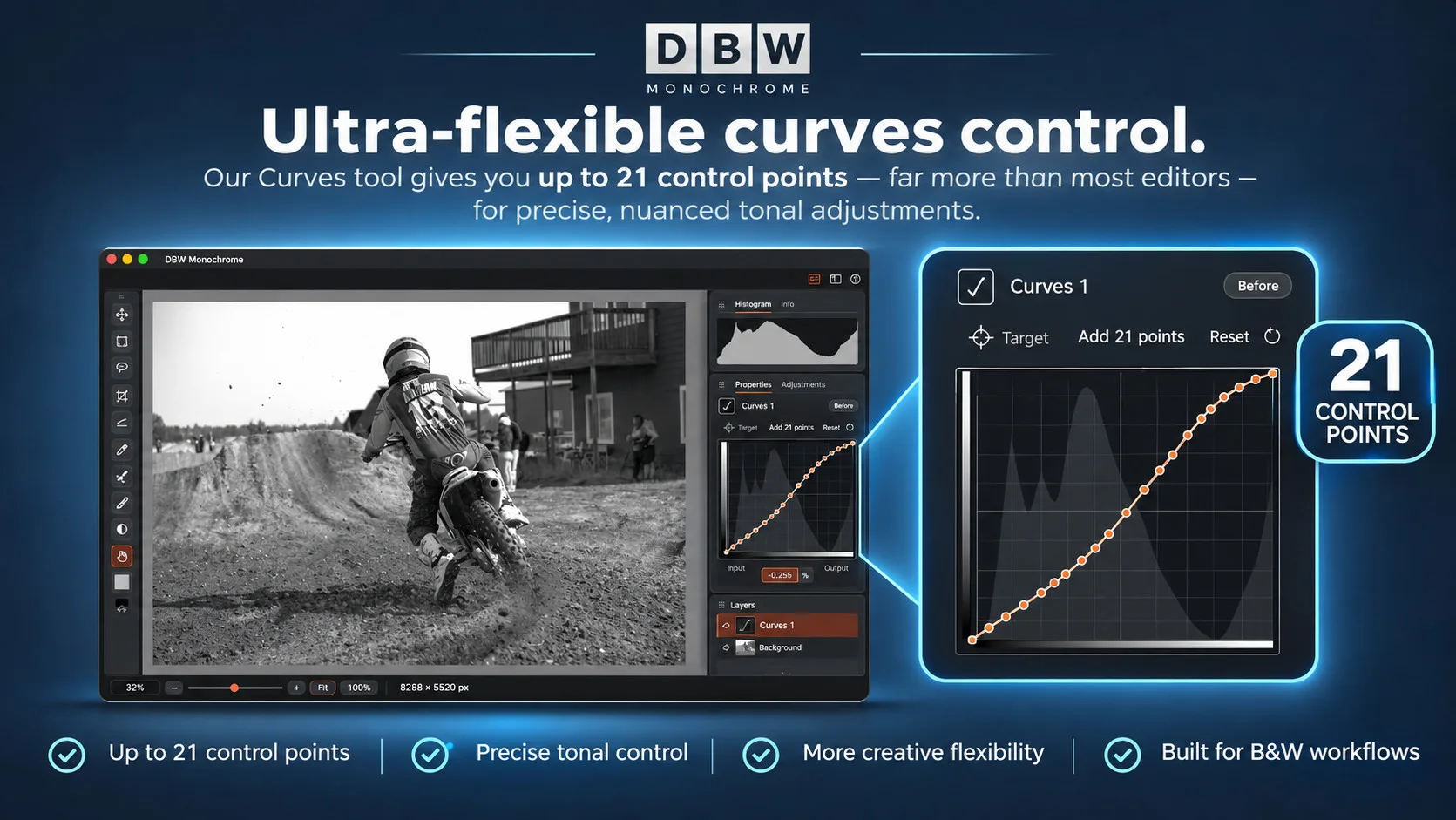
21 Point Curve
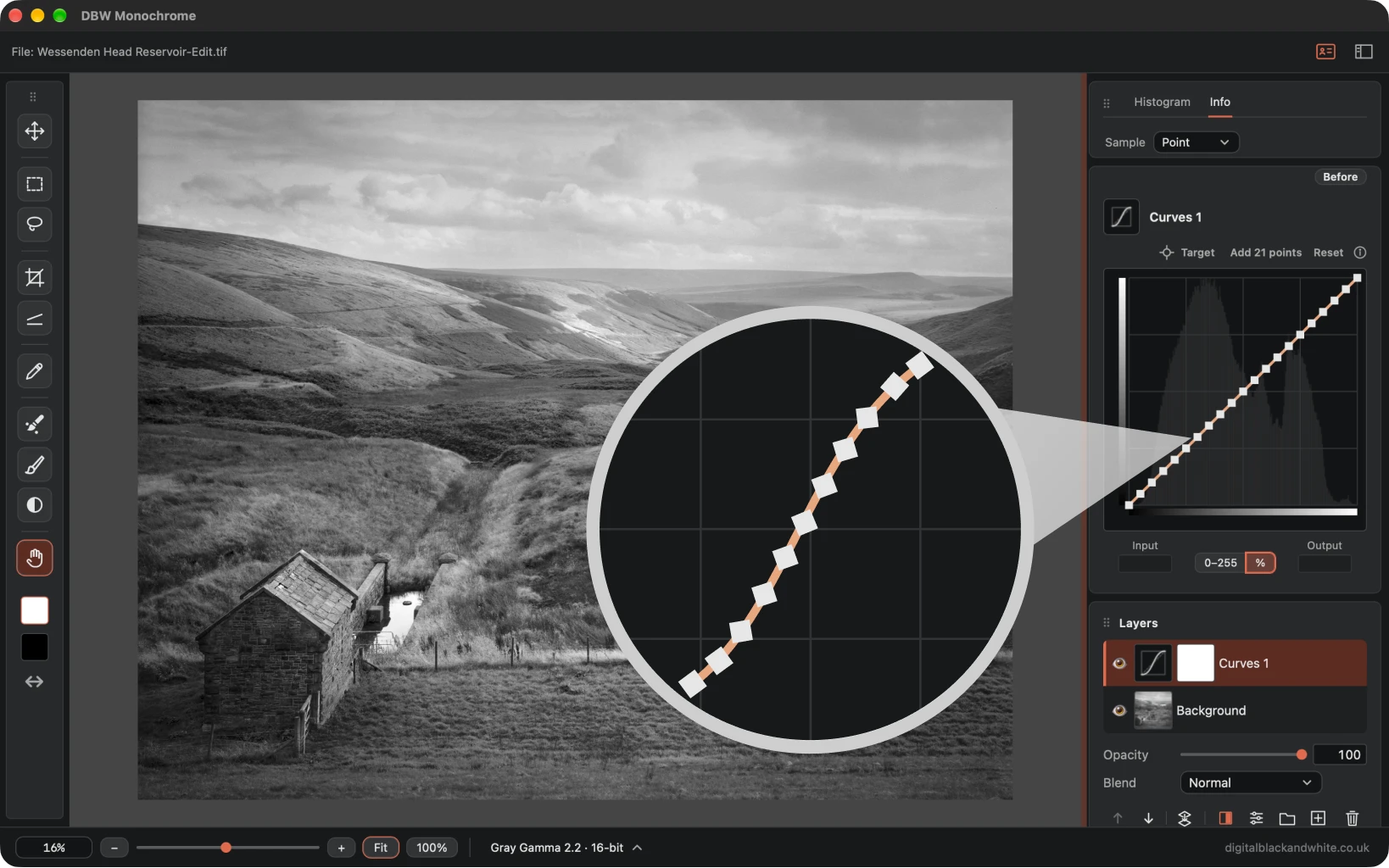
Take greater control of your black and white images with the 21 point Curves
Fine tune individual tonal ranges with greater control, from the deepest shadows to the brightest highlights, without affecting the rest of your image.
A 21 point Curves adjustment can be particularly useful when working with photographic step wedges, as it allows more precise control over individual tonal steps.
Each control point can be used to fine tune a specific tonal range, helping to correct uneven transitions, refine tonal separation and achieve a smoother, more consistent greyscale.
Graduated Dodge & Burn
If you used the Pixel Genius PhotoKit plugin, you’ll know the idea behind the DBW Monochrome Graduated Dodge & Burn.
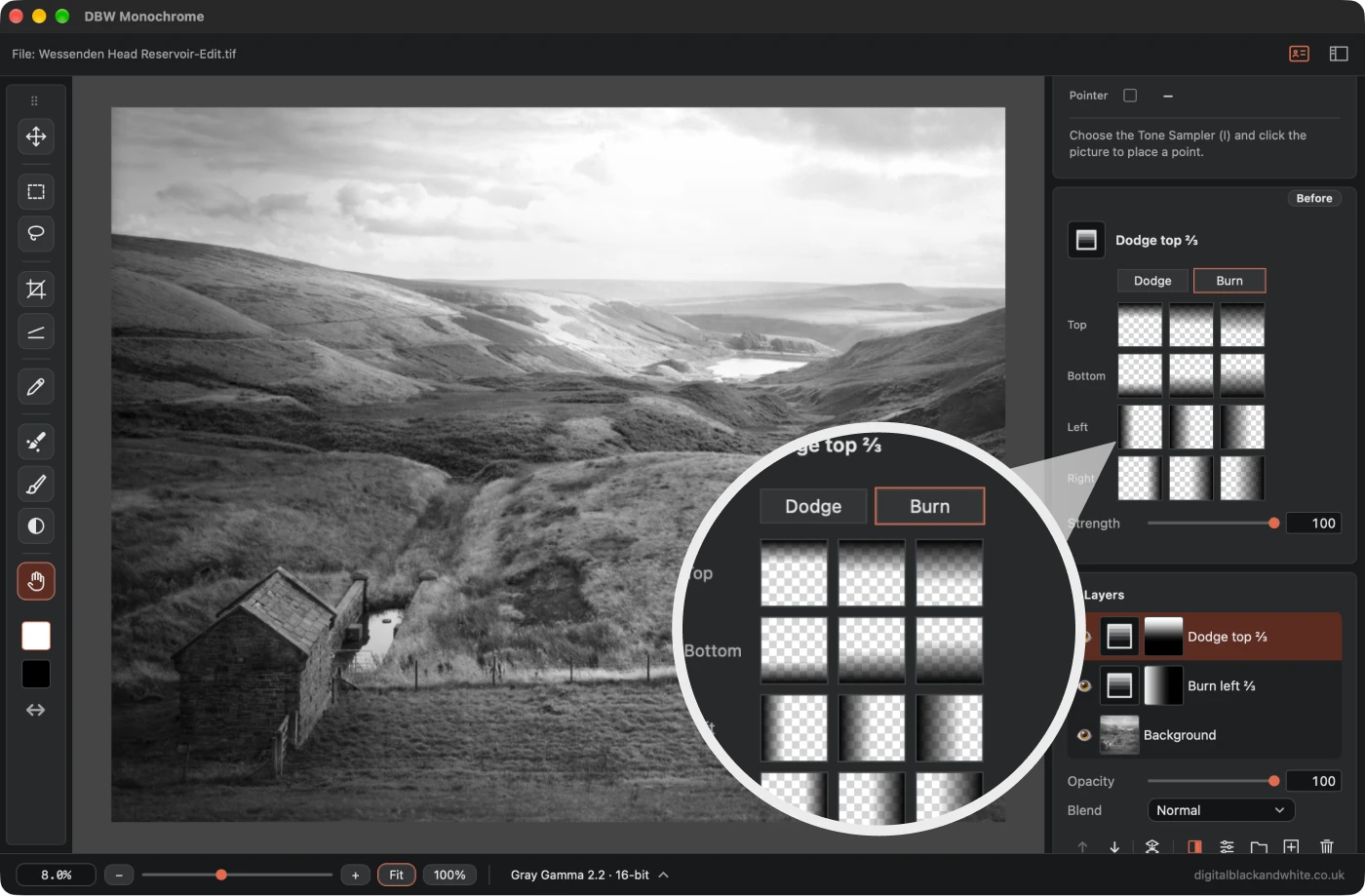
One click puts a graduated dodge or burn across the top, bottom, left or right of your picture, covering a third, a half or two thirds of it. There are no gradient tools to set up and no masks to build by hand.
Choose dodge or burn, click the fade you want, and the layer is made and named for you, such as “Dodge top 1/3”.
PhotoKit may have gone, but the workflow doesn’t need to disappear with it.
Black & White Editing. Made Simple.
No unnecessary complexity. Just photography.
DBW Monochrome is a dedicated black and white photo editor, designed for photographers who want complete creative control without the clutter of traditional editing software.
Whether you're working with digital RAW files or scanned film, DBW Monochrome gives you the freedom to develop your images, your way.
No feature bloat. No distractions. Just the tools you need.
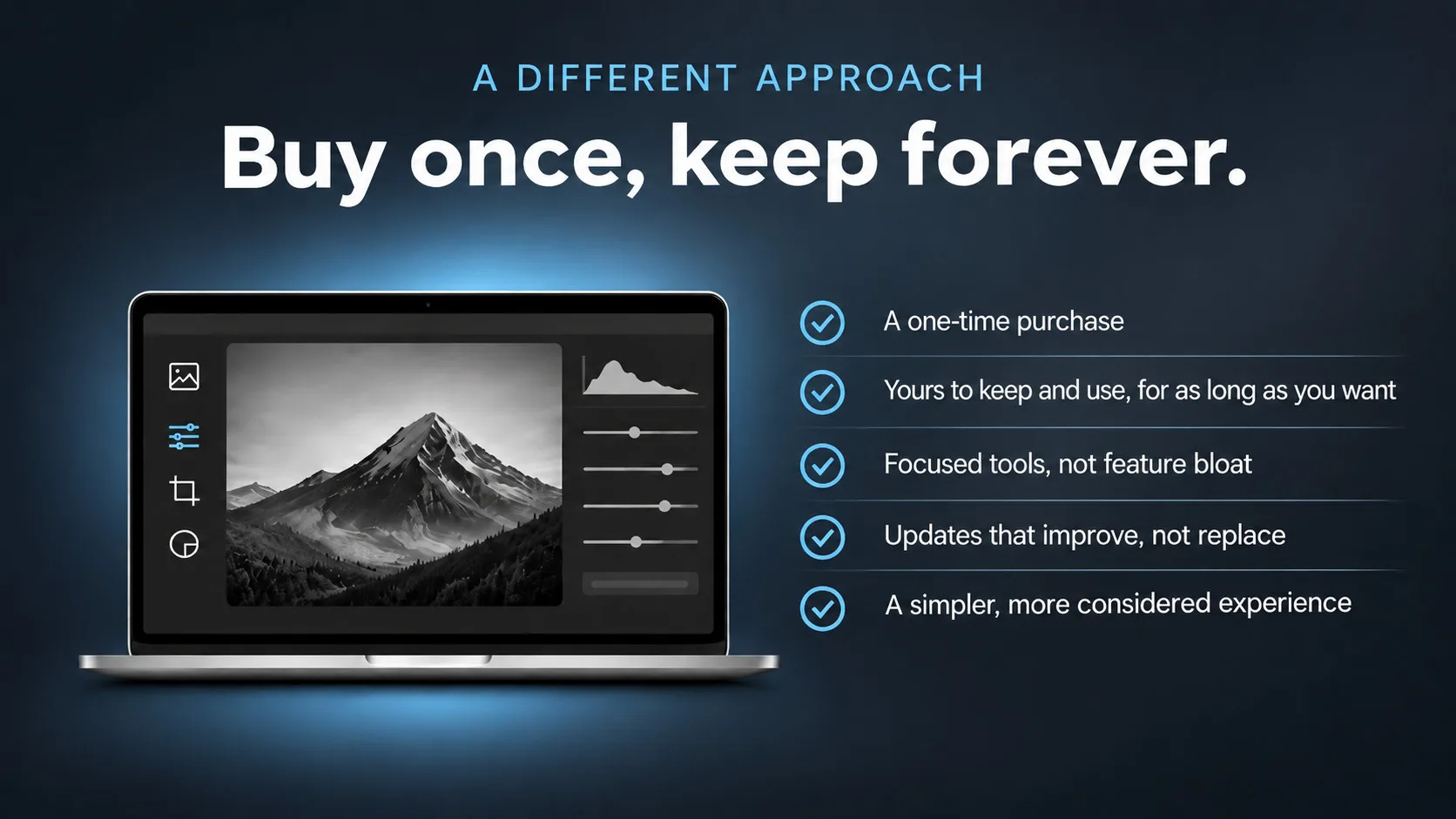
Software You Own. Not Software You Rent.
I believe that when you buy software, it should be yours to keep.
That's why I've taken a different approach with my software. No monthly subscriptions, no recurring payments and no pressure to continually upgrade just to keep using the tools you've already paid for.
My philosophy is simple: software should help you create, not become another ongoing expense. DBW Monochrome is built around that belief. A focused black and white photo editor, with the tools photographers actually need and none of the unnecessary complexity.
Need a Little Help Getting Started?
Whether you're new to DBW Monochrome or want to explore its more of it's features, the online user guide is here to help.
Discover how to use the editing tools, understand the adjustments and get the most from your black and white photographs.
Explore the DBW Monochrome Online User Guide
DBW Monochrome
Your activotion key unlocks the full version of
DBW Monochrome. Simply install the trial first, then enter your key to activate it.
- Buy once own forever
- Windows and macOS
- Free app updates
- free app support
Try DBW Monochrome for Yourself
Discover a simpler way to edit black and white photographs.
There's no better way to discover what DBW Monochrome can do than to try it for yourself.
Download the trial version and explore a dedicated black and white editor, with tools designed to give you creative control without unnecessary complexity.
Experiment with Curves, Zones, the B&W Mixer and a complete range of tonal adjustments. Work with your own photographs and discover how straightforward monochrome editing can be.
Why try DBW Monochrome?
Explore the complete workflow
Open and edit your own photographs
Experience the tools before deciding to buy
Available for Windows and macOS
Try it first. Buy it only when you're ready.
Download the Latest DBW Monochrome Trial
A purchased licence is required to activate the full version.